Register your AED
Type its serial number — it's on the back of the device and on its box. Got several? Upload them in one CSV. One entry per device.

AED owners — register & nominate
Own an Aero AED? Register it with us using its serial number — that's also your entry. Nominate an Australian school, or a community organisation doing good work near you, and they go into the draw to win an AED (defibrillator). Got several? Register them all at once with a CSV.
This is separate from the schools game. There's nothing to play and you don't need a school code — just the serial number of each AED you own.
Type its serial number — it's on the back of the device and on its box. Got several? Upload them in one CSV. One entry per device.
Search the national school list, or enter a community organisation's details yourself. All the AEDs you register nominate the same one.
A real person checks every entry. If the school or organisation you nominated is drawn, we'll be in touch.
For businesses
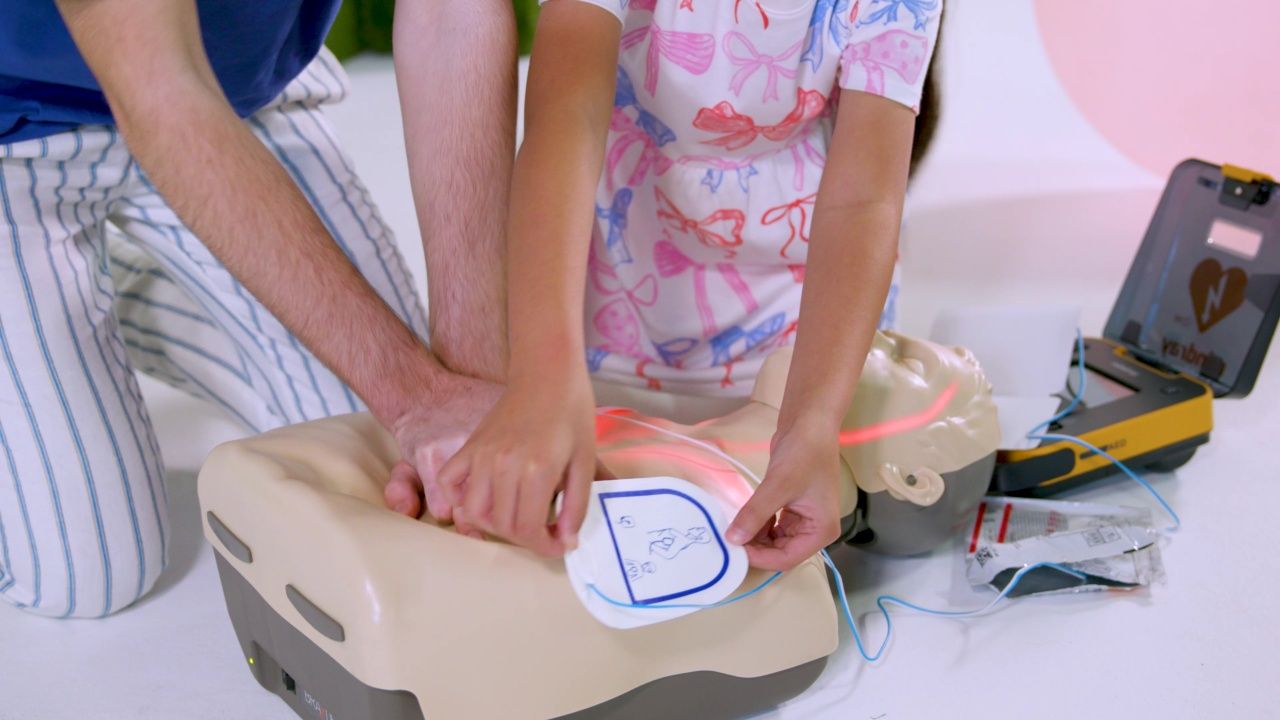
How registering your Aero AED works, and how your nomination could put a real AED in a school or community organisation.
Explainer video · about 2 minutes
Plays from Wistia. Open it in a new tab.